Learn step-by-step book cover design with the Cover Design Lab.
Design Covers That Captivate.

Create Stunning Book Covers & Grow Your Design Skills
From beginner-friendly tutorials to full mastery courses, I help creatives and authors turn ideas into professional-quality designs that stand out and sell.
Step 1: Explore – Start with my free mini courses and learn the basics using Adobe Photoshop - no experience needed.
Step 2: Practice – Hands-on projects help you build confidence and sharpen skills.
Step 3: Master – Complete courses guide you from beginner to pro, covering every essential skill.

See What You Can Create
From a few stock images to a polished book cover

Romance Book Cover Design

Historical Romance Book Cover Design

Women's Fiction Book Cover Design

Romantic Suspense Book Cover Design

All the images used to create this seamless book cover design

Combine images to create stunning graphics
Free Book Cover Design Training
When you sign up, you’ll get instant access to:
A real-time, 10-minute book cover design walkthrough using Adobe Photoshop
Simple techniques you can actually follow
A behind-the-scenes look at how covers come together from start to finish
This training is perfect for:
Beginners who feel overwhelmed
Authors who want to design their own covers
Anyone who wants to learn how book covers are actually designed
In just 10 minutes, you’ll see:
How to turn 3 ordinary images into a professional-looking cover
How to pick fonts, colors, and layout that turn into a polished design
How a complete cover comes together step-by-step
No experience needed
Easy-to-follow for beginners
Instant access—watch anytime

Start Learning for Free
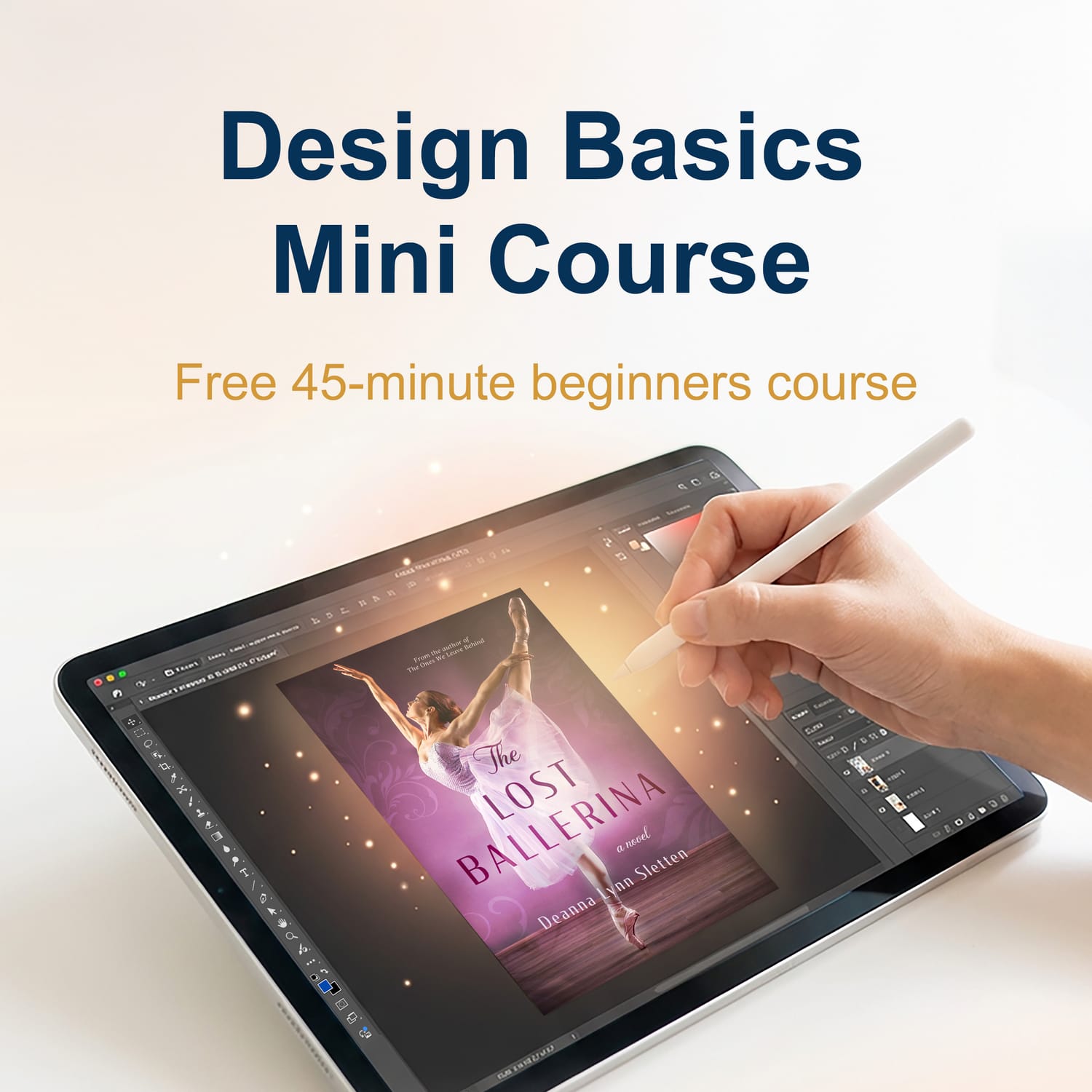
If you're just getting started, download the Design Basics Mini Course.
You’ll learn the fundamentals of design and get comfortable creating in Adobe Photoshop—even if you’ve never used it before.

12 minutes
Focuses on navigating the interface, creating a new document, adding images, understanding the toolbar and more.

12 minutes
All about layers. What layers are, how to move them, hide/show, duplicate, and more.

10 minutes
We put it all together to create a mock ad so you can use the tools we just learned about right away.
In less than 45 minutes you'll have designed your first graphic and be able to use what you learned on your next project!
Explore the Course Library
Whether you're learning design for fun, creative projects, or book covers, these courses will guide you step-by-step to creating professional-quality designs.
Your Step-by-Step Path to Designing Book Covers That Sell
In the Book Cover Lab Series, you’ll learn how to create eye-catching, professional book covers—even if you’ve never designed before.
1
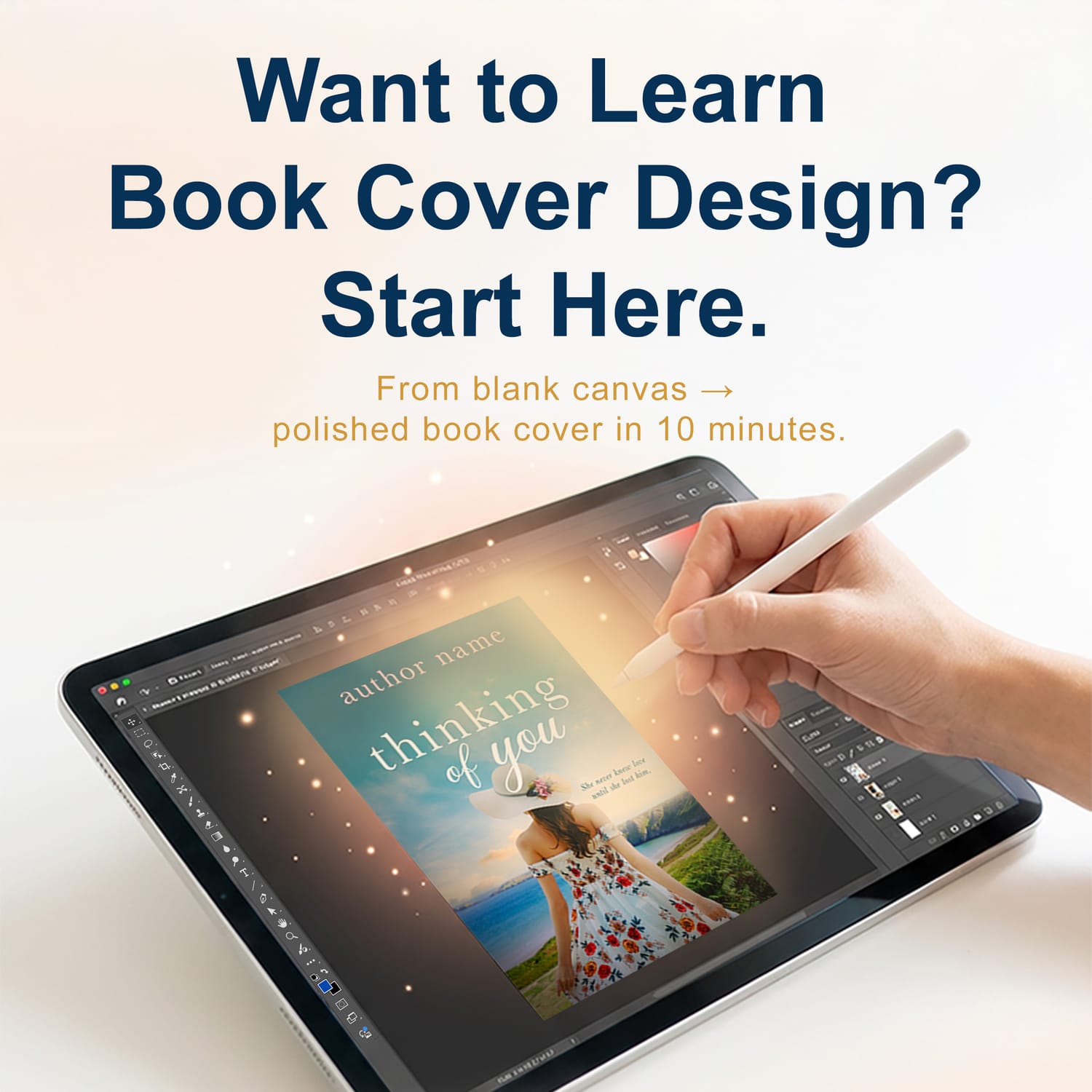
Book Cover Design Basics: Free Training
Level: Beginner
Learn the basics of designing a professional-looking book cover.
→ See how a cover comes together step-by-step
→ Understand what makes a cover stand out
2
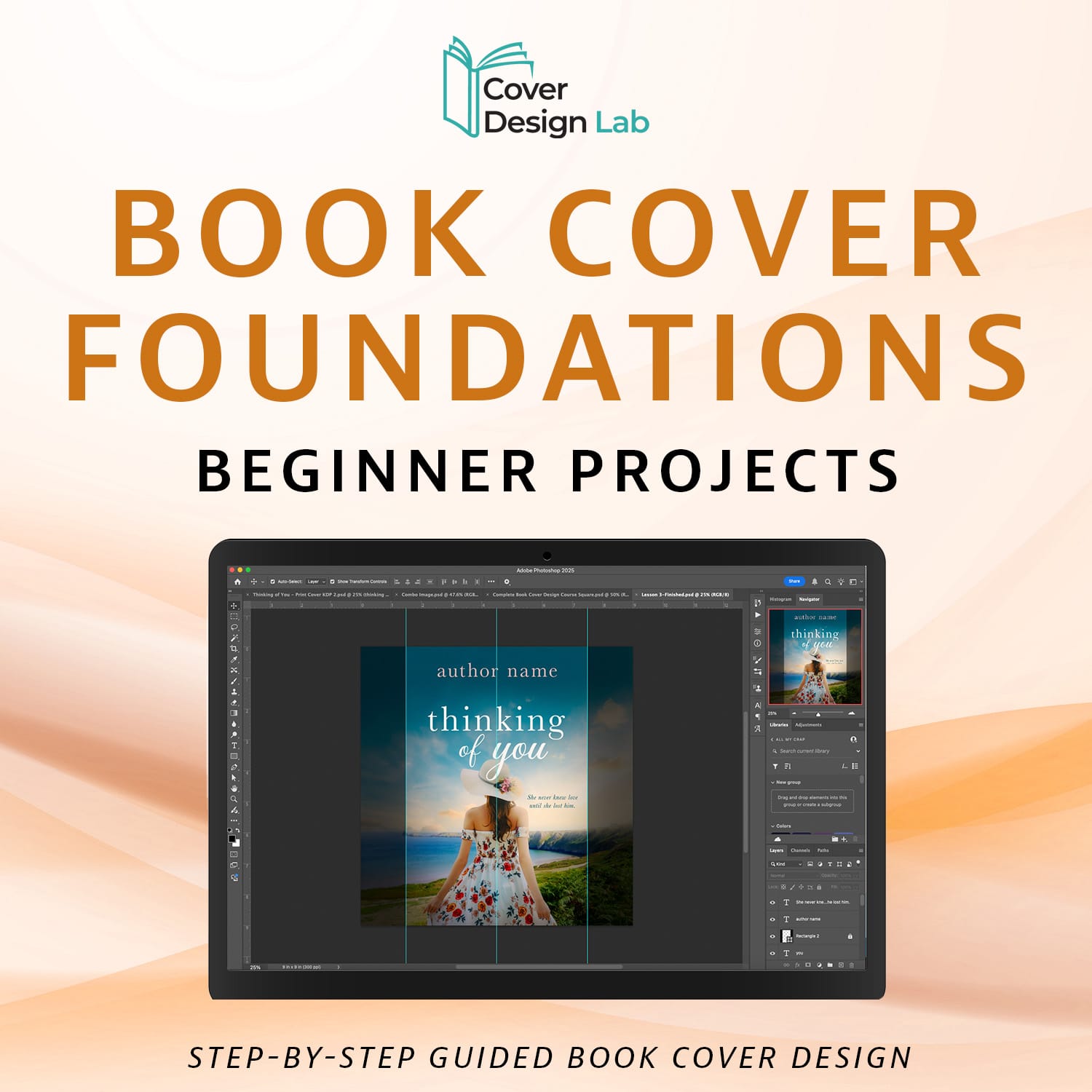
Book Cover Foundations: Beginner Projects
Level: Beginner
Follow along and design your own book cover from scratch.
→ Step-by-step guided design tutorial
→ Learn layout, text placement, and visuals
→ Get Cover Design Tips and learn exactly where to start
3
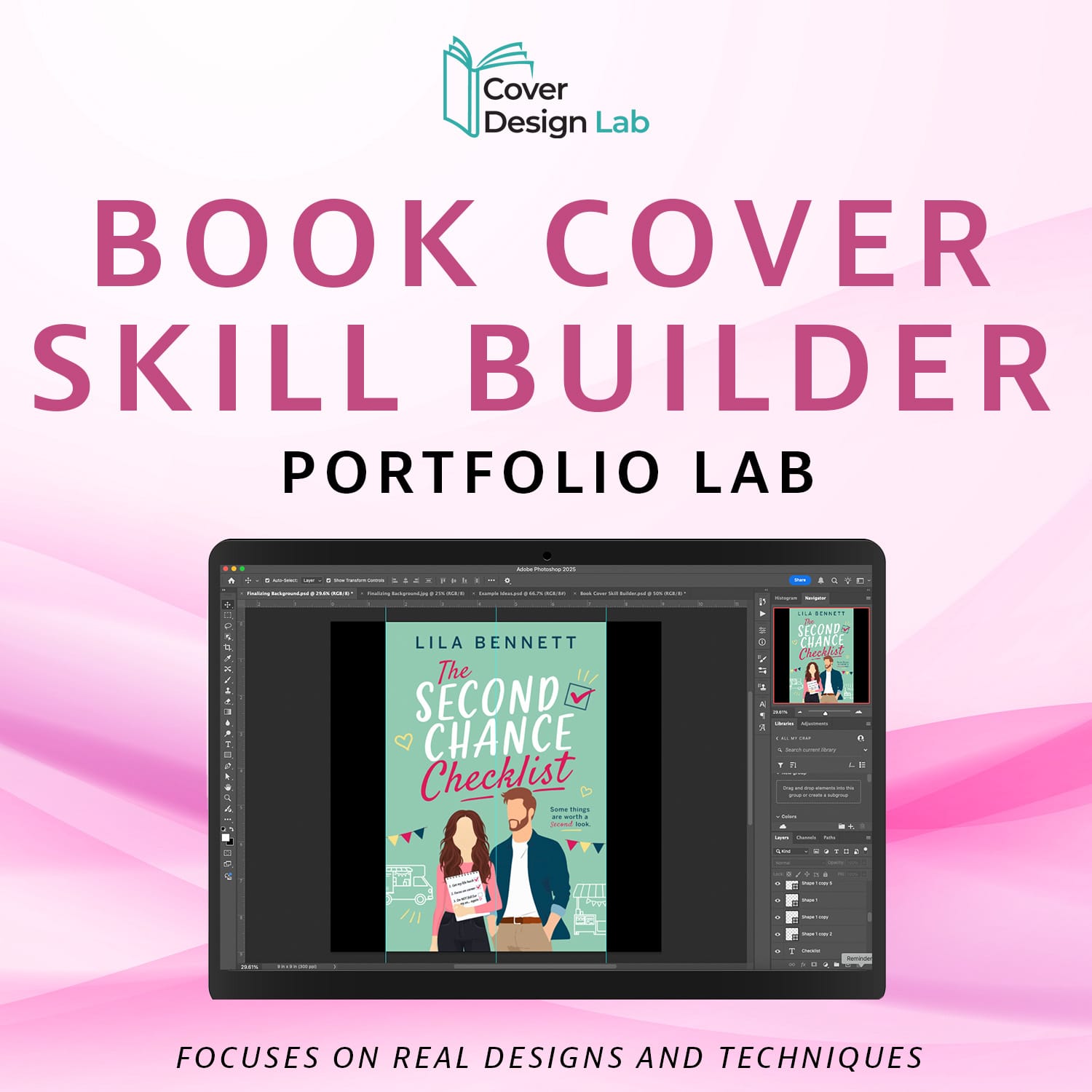
Book Cover Skill Builder: Portfolio Lab
Level: Beginner → Intermediate
Design real covers and build a portfolio you can actually use.
→ Design real covers
→ Practice with guided projects + challenges
→ Gain real confidence
→ Practice across genres
4
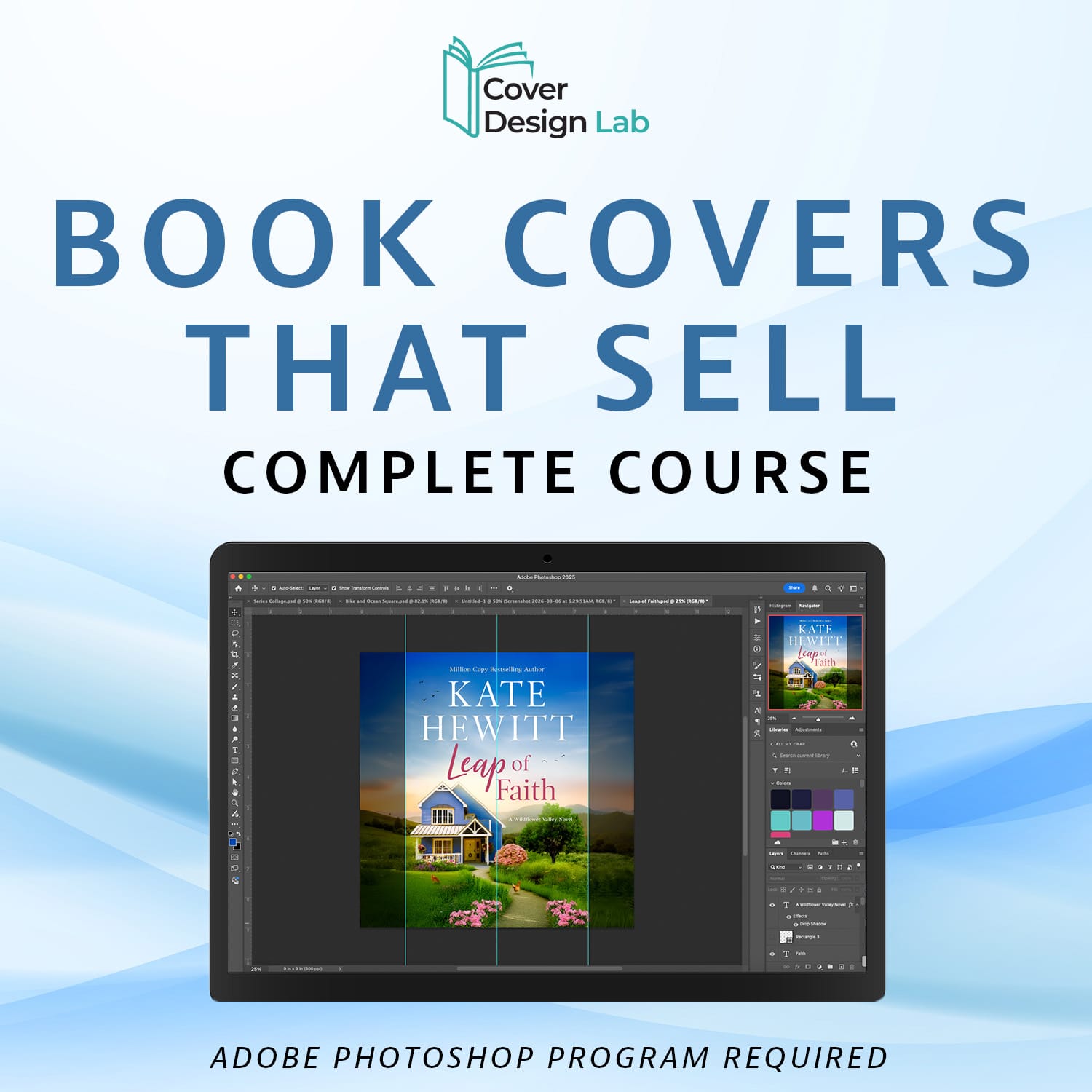
Book Covers That Sell: Complete Course
Level: Beginner → Intermediate
Create covers that attract readers and drive clicks.
→ Learn what makes covers sell (not just look good)
→ Learn the big and small details for designing covers
→ Improve your knowledge and confidence as a designer
The courses below can be taken at any time in the learning path.
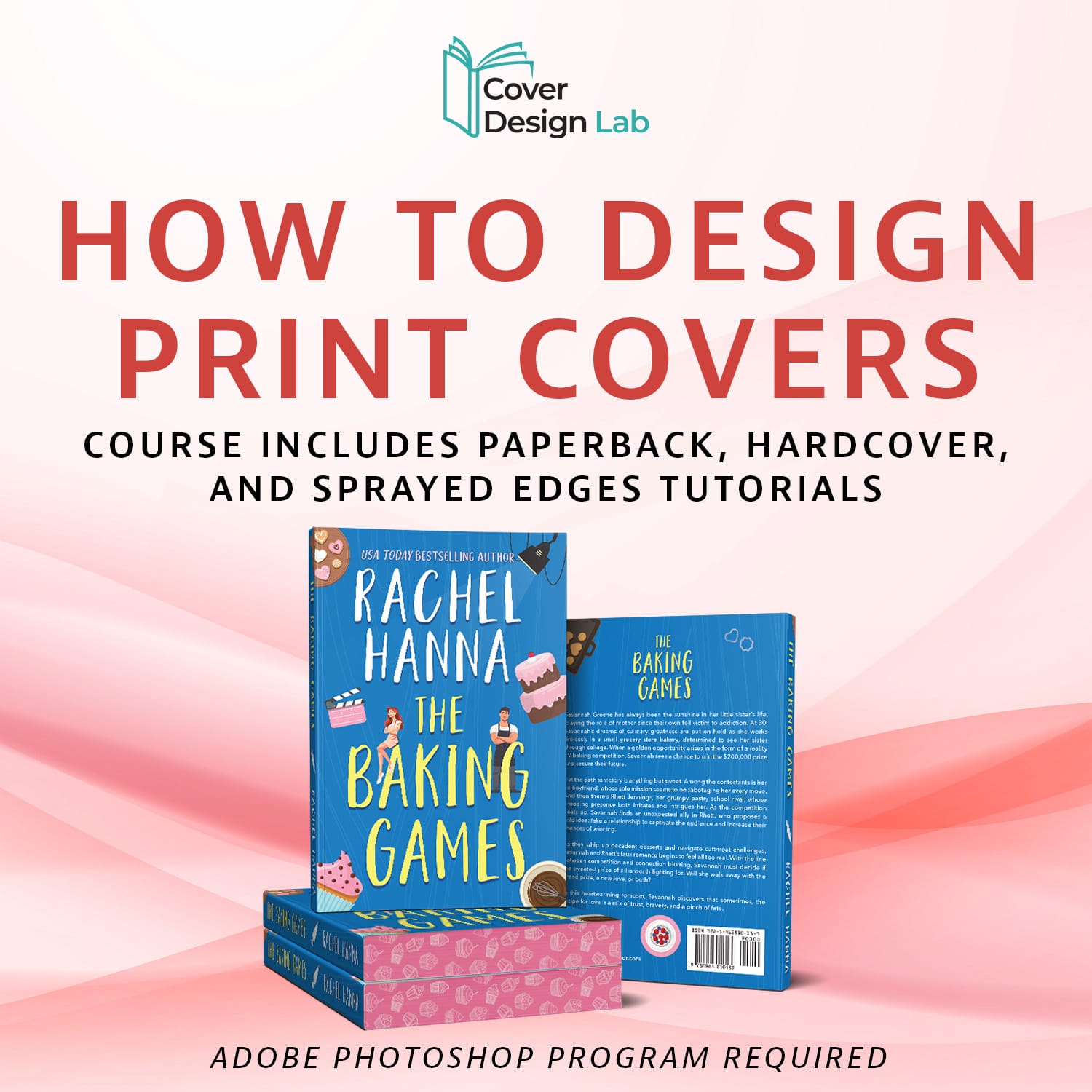
Print Cover Design: Paperback, Hardcover & Special Finishes
Level: Beginner → Intermediate
Learn the technical side of how to design paperback, hardcover, and sprayed edges.
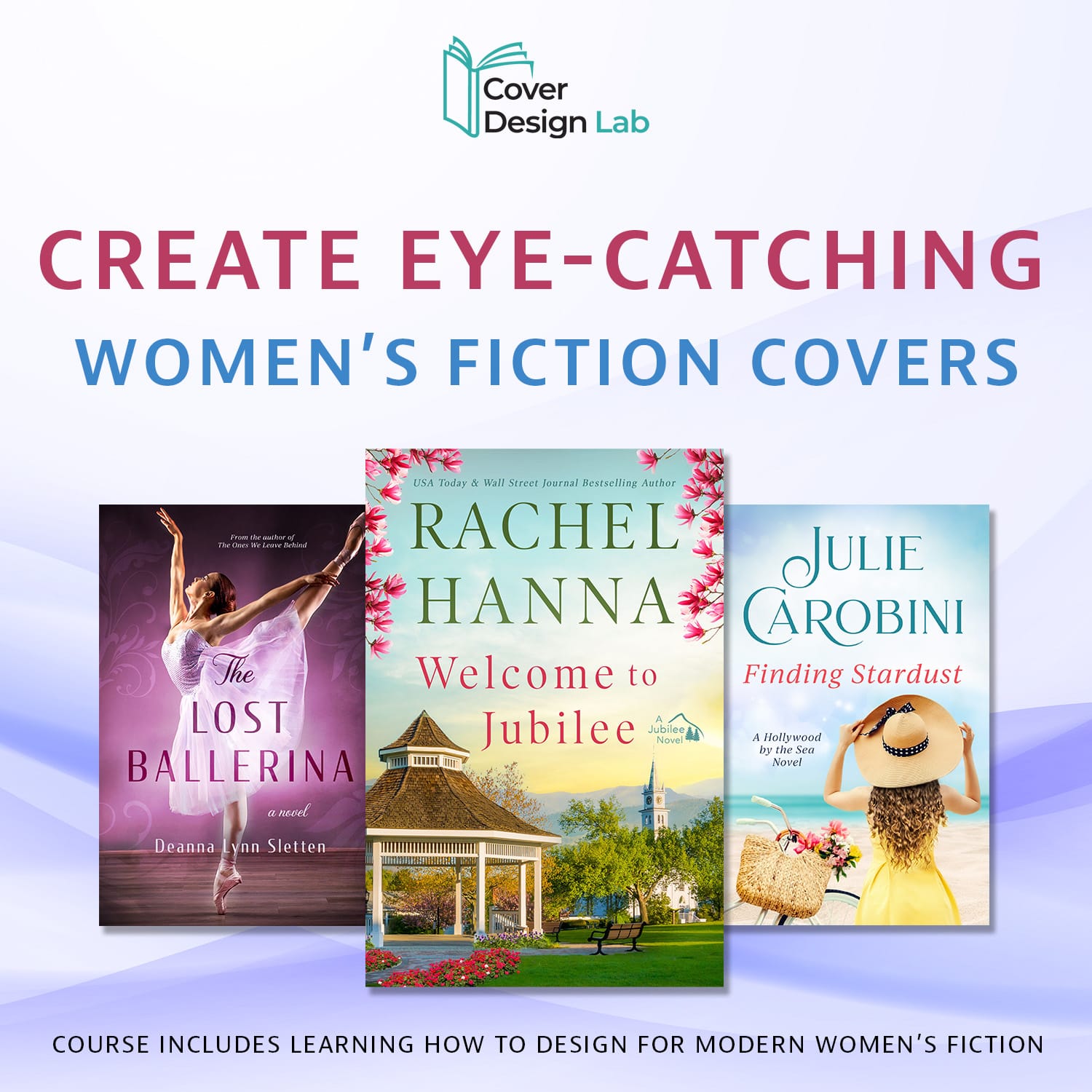
Creating Eye-Catching Women's Fiction Covers
Level: Intermediate
Learn how to create the warm, emotional aesthetic used in modern women’s fiction covers.
Your Step-by-Step Path to Design Mastery
In the Design Lab Series, you'll go from your first click to creating professional designs—follow a clear path from beginner to confident creator.
1
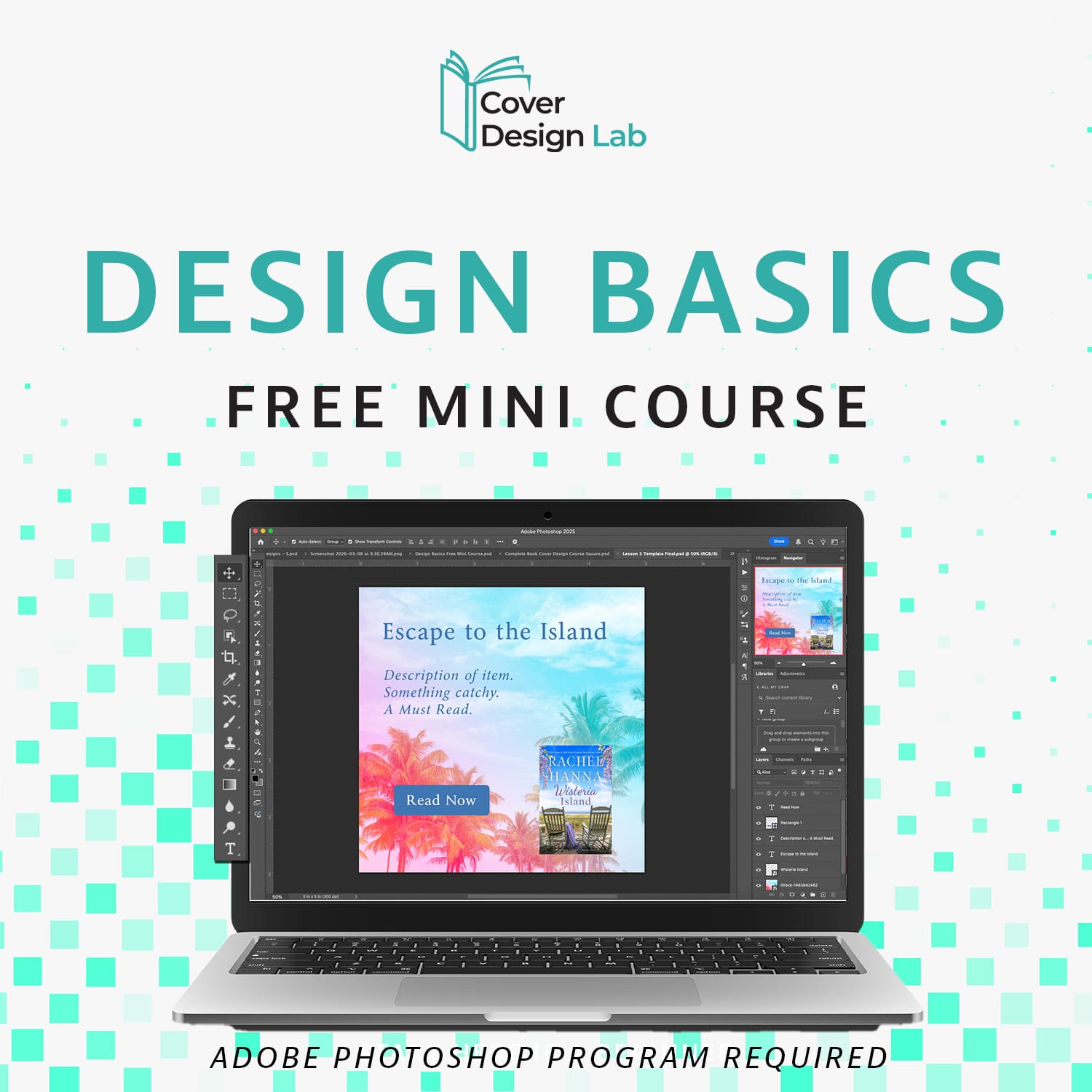
Design Basics: Free Mini Course
Level: Beginner
Get comfortable with the fundamentals of design and start creating in Adobe Photoshop in under an hour.
→ Explore key tools without overwhelm
→ Navigate the workspace with confidence
→ Take your first steps toward creating simple designs
2
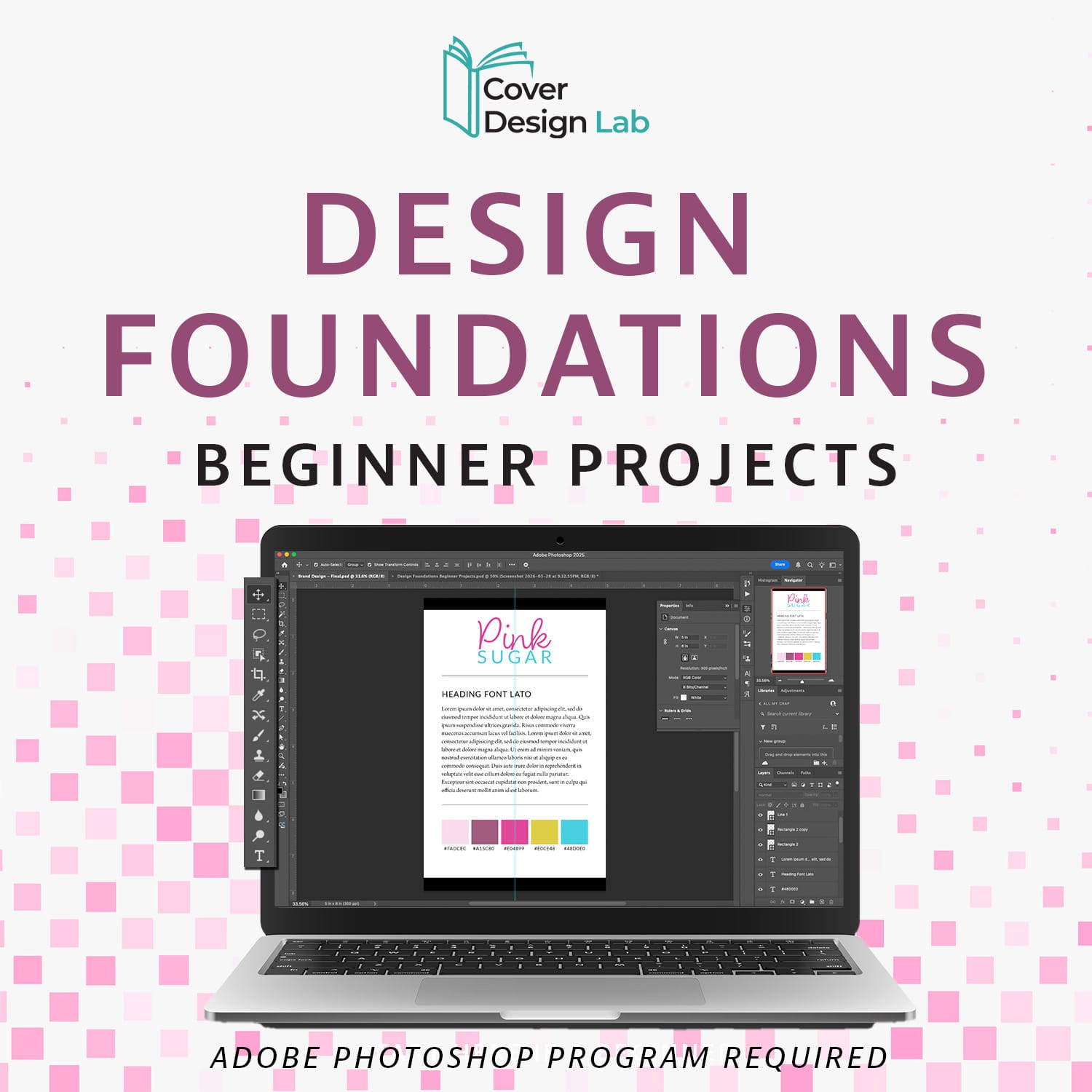
Design Foundations: Beginner Projects
Level: Beginner
Build confidence by creating real designs from start to finish.
→ Learn hands-on with layers, masks, text, and shapes
→ Create a social media ad and adapt it to multiple formats
→ Design a brand style guide
→ Turn what you learn into real, finished designs
3
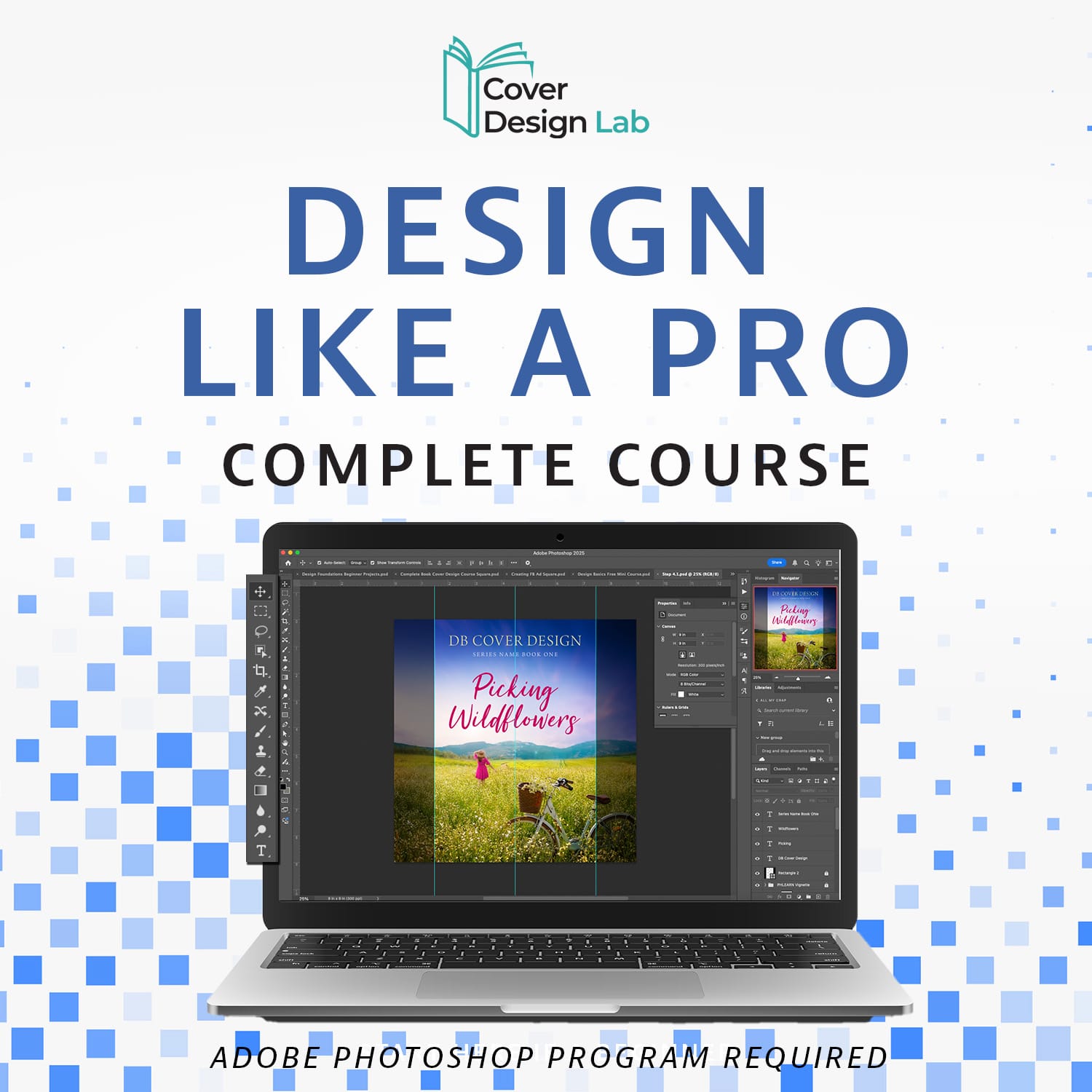
Design Like a Pro:
Complete Course
Level: Intermediate → Become a confident designer
Take your skills to the next level and create professional designs — all at your own pace.
→ Hands-on projects, templates, and cheat sheets to guide you every step
→ Advanced beginner techniques that expand your design toolkit
How to Follow the Design Lab Path
1. Start with Design Basics: Free Mini Course – get comfortable with the fundamentals of design.
2. Move to Design Foundations – practice key techniques and build real confidence.
3. Finish with Design Like a Pro: Complete Course – learn advanced techniques and create polished, professional designs.
Follow the path step by step and transform from beginner to confident designer—without overwhelm.
The Design Lab and Book Cover Lab Learning Paths Combined
Not sure where to start? Follow this recommended path to learn design, create book covers, and build your skills step-by-step using Adobe Photoshop.
1
Design Basics: Free Mini Course
A beginner-friendly course designed for creatives and authors that teaches you how to create stunning designs, book covers, and graphics without feeling overwhelmed.
2
Book Cover Design Basics: Free Training
See exactly how a blank canvas becomes a polished book cover in just 10 minutes—no experience needed.
3
Design Foundations: Beginner Projects
Practice real projects and build confidence through hands-on lessons and moving from understanding to actually creating.
4
Book Cover Foundations: Beginner Projects
Put your newfound skills to work. Create a book cover design in just 1 hour, and have your first cover designed today!
5
Book Cover Skill Builder: Portfolio Lab (Coming Soon)
Design real book covers while building a portfolio. Through guided projects across multiple genres, you’ll gain the confidence and skills to create covers that look professional.
6
Design Like a Pro: Complete Course
Up your skills and learn the core tools and foundations so you can make your graphics stand out from the crowd.
7
Book Covers That Sell: Complete Course (Coming Soon)
Apply your skills to real creative projects and learn the ins and outs of what makes and breaks a cover design in this comprehensive course.
The courses below can be taken at any time in the learning path.
1
Print Cover Design: Paperback, Hardcover & Special Finishes
Learn the technical side of how to design paperback and hardcovers.
2
Creating Bestselling Women's Fiction Covers (Coming Soon)
Learn how to create the warm, emotional aesthetic used in modern women’s fiction covers.
More courses coming soon
Meet Your Instructor

Deborah Bradseth
Hi, I'm Deborah.
I created these courses to make learning graphic design and book cover design easier and more approachable.
Many creative people want to learn these skills but feel overwhelmed by how complicated it seems at first.
I have over 20 years of experience in design, including working with tools like Adobe Photoshop, and over 15 years as a book cover designer for bestselling authors.
I created these courses to provide clear, beginner-friendly guidance so you can start from the very beginning and build real design skills step-by-step.
Whether you want to design graphics or create book covers, you'll find a path here.
What Others Are Saying
"This is a great course. I dabbled in design for my Facebook ads but was able to improve them after this course. I learned so much."
Deanna S.
Author

“This course simplified book cover design in a way I didn’t think was possible. Instead of guessing what looks good, I now understand why a cover works. That alone has been a game changer for me.”
Sarah M.
Designer
“I used what I learned in this course to redesign my book cover, and the difference is night and day. It looks like something you’d actually see on Amazon’s top charts now. Highly recommend for beginners.”
Jessica L.
Author
Ready to Start Learning?
If you're new to book cover design, the best place to begin is the FREE Book Cover Design Basics Course.
Start building real design skills today.
Frequently Asked Questions
These courses are taught using Adobe Photoshop, and I’ll guide you step-by-step using that workflow. However, the techniques you’ll learn aren’t just tied to one program.
You’ll be learning core design principles like:
combining images naturally
creating depth with lighting and blur
choosing colors that work together
building a layout that looks professional
These skills can be applied in other design programs as well.
The Design Basics and Design Foundations courses require no prior experience! I walk you through step-by-step from the very beginning so you can get started without being overwhelmed.
The other courses do require working knowledge of Adobe Photoshop. If you have taken the Design Foundations course, or have experience in Adobe Photoshop already, then you're ready for the other courses.
The Book Cover Design Basics: Free Training and Book Cover Design Foundations: Beginner Projects require no prior experience!
Any recent version of Adobe Photoshop should work. I would recommend 2024 or higher to be able to access all the features.
If, within 30 days of purchasing any of my courses you do not feel you have learned anything new and helpful in your creative journey, contact me for a full refund.
Not at all. While it’s book cover focused, the skills you’ll learn apply to all kinds of design projects including ad design, graphics, branding, and more!
You will have lifetime access! Go at your own pace and revisit lessons anytime. And access to any and all updates that happen along the way!
You can contact me, Deborah, directly at deborah@coverdesignlab.com and I will be happy to answer any questions you have.